> ## Documentation Index
> Fetch the complete documentation index at: https://docs-staging-chore-gt-workflow.mintlify.site/llms.txt
> Use this file to discover all available pages before exploring further.

> Découvrez comment configurer votre connexion Vault SendGrid pour envoyer des courriels avec SendGrid.

# Connexion Vault SendGrid

<h2 id="get-your-sendgrid-keys">
  Récupérez vos clés SendGrid
</h2>

Vous les trouverez dans la page Settings du [SendGrid dashboard](https://app.sendgrid.com/settings/api_keys), à la section API keys.

<h2 id="configure-your-sendgrid-vault-connection">
  Configurer votre connexion Vault SendGrid
</h2>

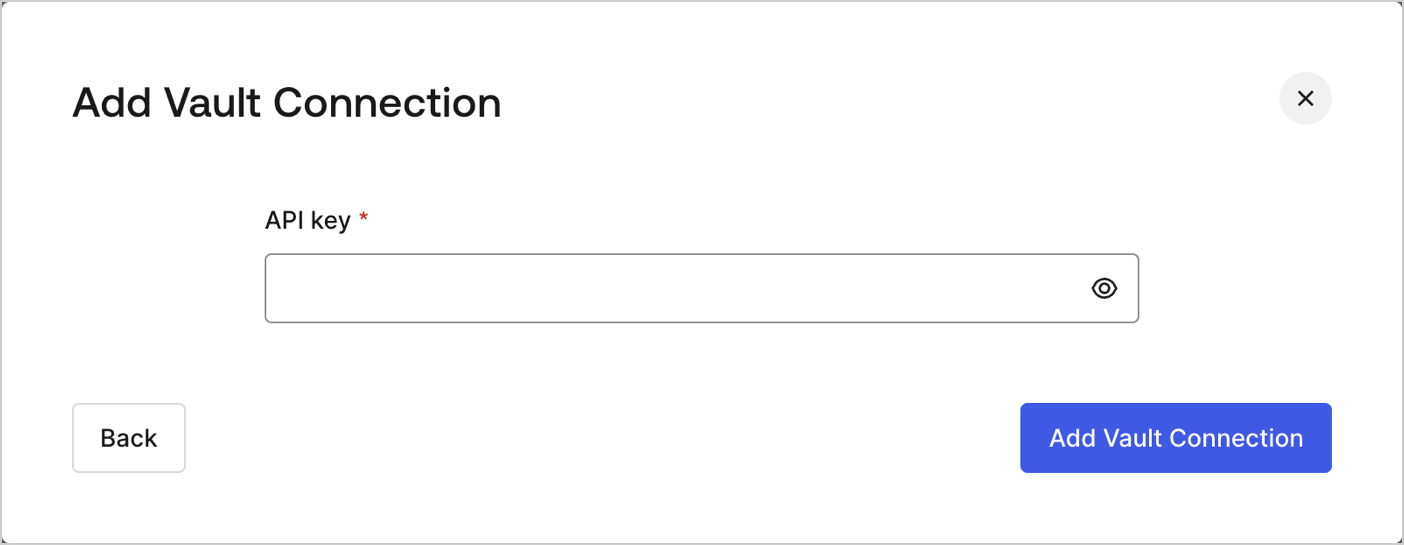
Pour configurer une connexion Vault SendGrid pour vos actions de Flow de SendGrid, vous devez définir les paramètres requis.
<Frame>
  <img src="https://mintcdn.com/docs-staging-chore-gt-workflow/PzoOIgRpU65TZp7z/docs/images/customize/forms/vaults/sendgrid-vault-connection.png?fit=max&auto=format&n=PzoOIgRpU65TZp7z&q=85&s=83ff9469cdb2349c0636406916d4b0f7" alt="Dashboard > Actions > Forms > Vault > SendGrid" data-og-width="1404" width="1404" data-og-height="545" height="545" data-path="docs/images/customize/forms/vaults/sendgrid-vault-connection.png" data-optimize="true" data-opv="3" srcset="https://mintcdn.com/docs-staging-chore-gt-workflow/PzoOIgRpU65TZp7z/docs/images/customize/forms/vaults/sendgrid-vault-connection.png?w=280&fit=max&auto=format&n=PzoOIgRpU65TZp7z&q=85&s=d35ae560b1d51d3e7c24eba5b8be01a1 280w, https://mintcdn.com/docs-staging-chore-gt-workflow/PzoOIgRpU65TZp7z/docs/images/customize/forms/vaults/sendgrid-vault-connection.png?w=560&fit=max&auto=format&n=PzoOIgRpU65TZp7z&q=85&s=c4b834b14733cee01324161aedb1d7cd 560w, https://mintcdn.com/docs-staging-chore-gt-workflow/PzoOIgRpU65TZp7z/docs/images/customize/forms/vaults/sendgrid-vault-connection.png?w=840&fit=max&auto=format&n=PzoOIgRpU65TZp7z&q=85&s=5fb6ff459c130c63372c2cced1319cf7 840w, https://mintcdn.com/docs-staging-chore-gt-workflow/PzoOIgRpU65TZp7z/docs/images/customize/forms/vaults/sendgrid-vault-connection.png?w=1100&fit=max&auto=format&n=PzoOIgRpU65TZp7z&q=85&s=8d808c077ad62460b05b98113a9e7298 1100w, https://mintcdn.com/docs-staging-chore-gt-workflow/PzoOIgRpU65TZp7z/docs/images/customize/forms/vaults/sendgrid-vault-connection.png?w=1650&fit=max&auto=format&n=PzoOIgRpU65TZp7z&q=85&s=53e0f624fe4ee4411af9407d56042f9d 1650w, https://mintcdn.com/docs-staging-chore-gt-workflow/PzoOIgRpU65TZp7z/docs/images/customize/forms/vaults/sendgrid-vault-connection.png?w=2500&fit=max&auto=format&n=PzoOIgRpU65TZp7z&q=85&s=3bfabeafbf4aa1ffcb95f8ff573c3dee 2500w" />
</Frame>

<h3 id="input-settings">
  Paramètres d’entrée
</h3>

| Paramètre | Description                                               |
| --------- | --------------------------------------------------------- |
| API Key   | API Key utilisée pour autoriser l’accès à l’API SendGrid. |
